Website Speed Optimisation: 12 Fixes That Improve Real Customer Experience
Twelve practical performance fixes ranked around real users rather than an obsession with achieving a perfect testing score.
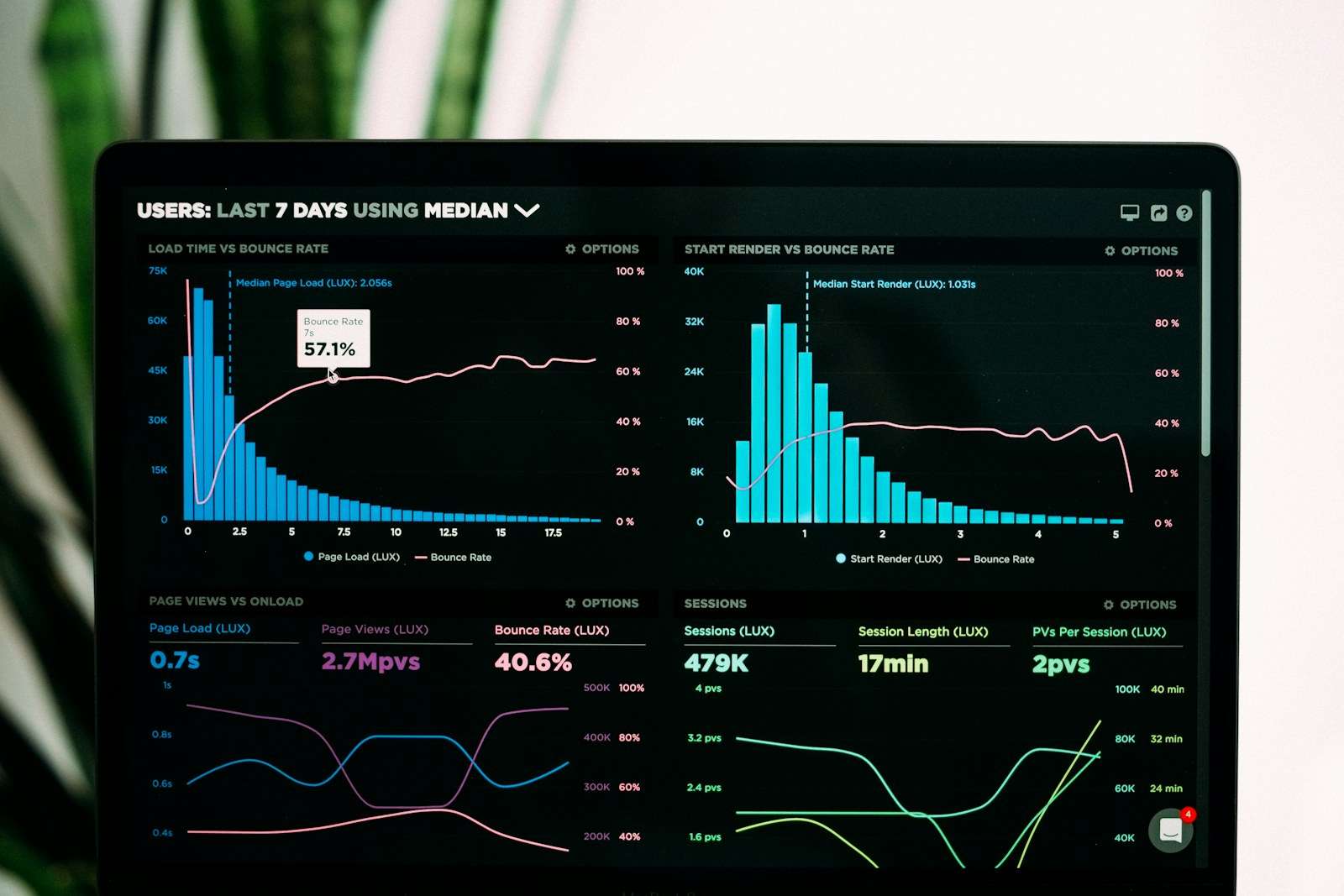
Website speed optimisation should make important pages feel faster for real customers. A perfect laboratory score is less valuable than a reliable mobile journey that loads useful content promptly and responds when someone taps.
Begin with measurement, then address the largest bottlenecks rather than installing several optimisation plugins and hoping they cooperate.
1. Measure representative pages
Test the homepage, a service page, article, contact form and any checkout or booking journey. Google PageSpeed Insights combines laboratory diagnostics with real-user data when available.
2. Resize and compress images
Do not upload a 6000-pixel photograph into a 700-pixel content column. Create responsive sizes, use modern formats where supported and choose compression that preserves visible quality.
3. Prioritise the main image
The largest above-the-fold image often influences Largest Contentful Paint. Avoid lazy-loading the main hero, provide dimensions and preload only truly critical assets.
4. Reduce unnecessary scripts
Chat widgets, trackers, heatmaps and social embeds add network and processing work. Remove tools that no longer support a decision. Delay non-critical scripts where appropriate.
5. Use efficient hosting
Slow server response limits every later optimisation. Choose hosting suited to the platform, traffic and location of the audience. Review caching, PHP resources and database performance.
6. Configure page caching
Caching avoids rebuilding the same page for every visitor. It must be configured carefully around logged-in users, carts, forms and frequently changing content.
7. Use a content delivery network
A CDN can serve static files closer to visitors and absorb traffic spikes. It is useful, but cannot compensate for an overloaded application or oversized pages.
8. Limit font files
Several families, weights and character sets add requests. Use the styles the design genuinely needs and ensure text remains visible while fonts load.
9. Simplify the page
Website speed optimisation sometimes means removing sliders, background videos and complex effects. Ask whether each element helps comprehension or action enough to justify its cost.
10. Control third-party embeds
Maps and videos may load substantial scripts before the visitor uses them. Use preview images or click-to-load patterns where appropriate, while keeping the interaction accessible.
11. Maintain the database and software
Outdated plugins, accumulated revisions and uncontrolled logs can affect performance. Include review within WordPress website maintenance.
12. Monitor after changes
Performance regresses as new campaigns, images and tools are added. Set thresholds and review important templates regularly.
Understand Core Web Vitals
Largest Contentful Paint measures loading, Interaction to Next Paint measures responsiveness and Cumulative Layout Shift measures visual stability. Google’s Core Web Vitals documentation explains current thresholds and measurement.
What not to do
- Optimise only the homepage.
- Hide content from mobile visitors to improve a score.
- Install overlapping caching plugins.
- Compress images until they visibly damage the brand.
- Ignore broken functionality after script changes.
Connect speed to business outcomes
Track form completion, checkout drop-off and engagement alongside technical metrics. Website speed optimisation is successful when customers experience less friction, not when a screenshot shows 100.
Olli Hopkins Digital can audit the full delivery path—from hosting and code to images and third-party tools—and prioritise fixes with the clearest customer impact.
Should you optimise desktop or mobile first?
Measure both, but prioritise the devices and journeys customers actually use. Mobile networks and processors expose heavy pages, while desktop layouts may load larger media. Google uses mobile content for indexing, yet performance work should not remove useful information from one version. Responsive delivery lets the same content receive appropriate assets.
When should performance work stop?
Website speed optimisation has diminishing returns. Set acceptable user-centred thresholds, fix severe bottlenecks and protect them through monitoring. Once pages respond reliably, further effort may be better spent improving clarity, accessibility or the offer. Revisit performance when templates, hosting or third-party tools change.
Keep the work useful after launch
Assign an owner, store source files and document the most important decisions. Set a review date based on how quickly the subject changes. Make sure new employees and suppliers can find the current guidance instead of recreating it from memory.
website speed optimisation should evolve when evidence, customer needs or the business changes—not simply because a new trend appears. At each review, remove outdated material, correct broken processes and preserve elements that continue to work. Invite feedback from the people using the result and from those affected by it. Maintenance is usually cheaper and more credible than repeated large resets, and it protects the learning invested in the original project.